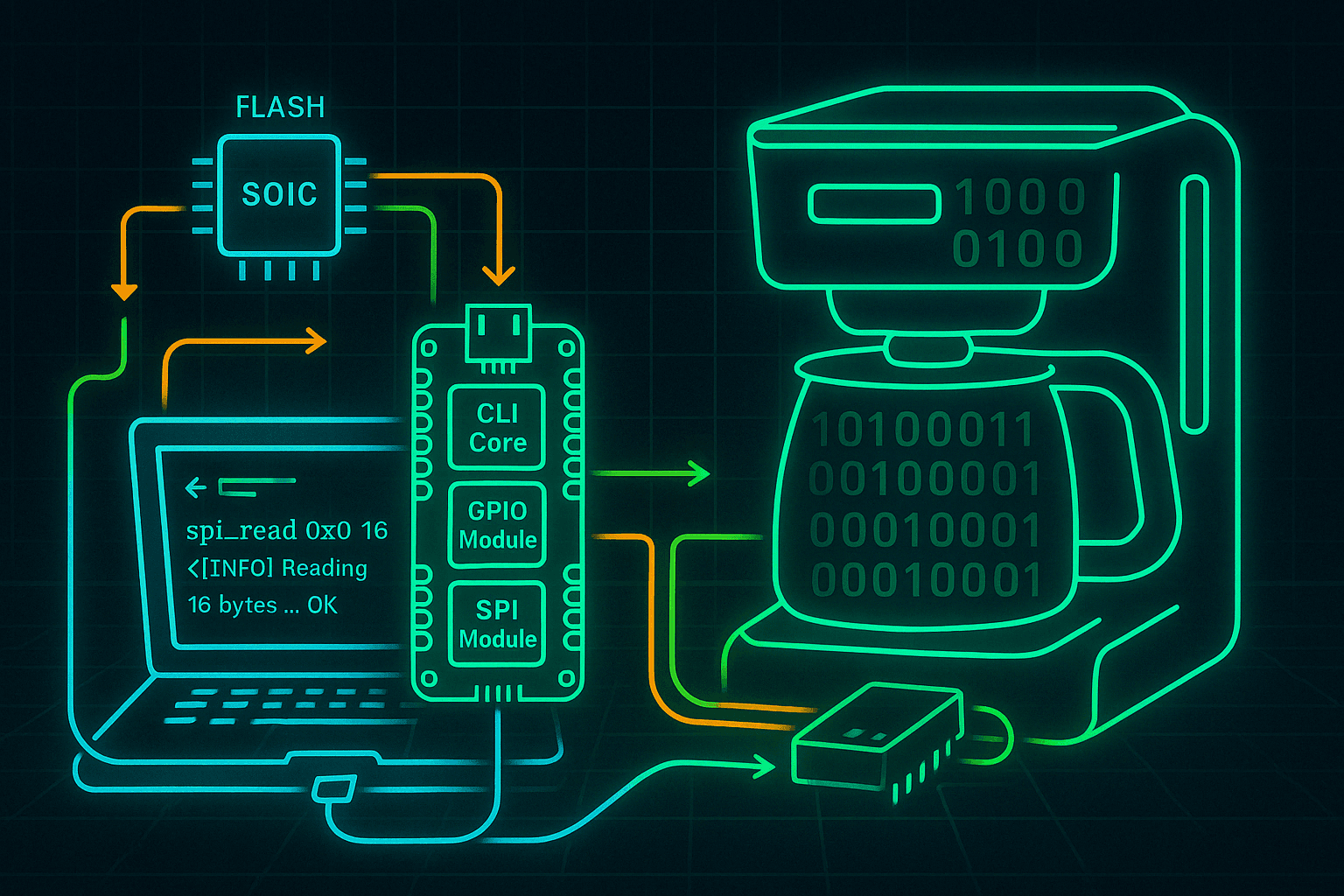
What's Hiding In My Coffee Maker?
Using the PicoTag project to dump SPI flash firmware from a coffee maker and explore what's hidden inside.
Ever wondered what your coffee maker might be hiding? With the rise of smart appliances, even a humble brew machine could be running embedded firmware — and that means there's something to hack. In this post, I used my PicoTag project to dump the SPI flash memory from my coffee maker and dig into what kind of system it's running.
Hardware Overview
The flash chip inside the coffee maker is a Winbond W25Q128JVSQ, a common 128Mbit (16MB) SPI NOR flash chip.
Step 1: Identifying the Flash Chip
To begin, I opened up the unit and visually identified the flash as:
- Manufacturer: Winbond
- Model: W25Q128JVSQ
- Package: SOIC-8
- Interface: SPI
- Capacity: 128Mbit (16MB)
I verified the part by searching for the datasheet and checking the pinout and features.
Step 2: Dumping the Firmware
Option 1: In-Circuit Dump
First attempt was an in-circuit read using the PicoTag tool, powered via USB:
TODO: Add photo of clip-on connection to flash chip
<Insert Image Here>
- Connected PicoTag to SPI lines using a SOIC-8 test clip
- Powered the flash externally (3.3V)
- Verified signal integrity with a logic analyzer
This sometimes works — if the MCU isn’t holding the bus or interfering.
Option 2: Desolder and Dump
If in-circuit read fails:
TODO: Add photo of desoldered chip and breadboard adapter
<Insert Image Here>
- Carefully desoldered the chip using hot air
- Mounted on a breakout board or directly into a ZIF socket
- Used PicoTag to read and dump the contents
Step 3: Parsing the Dump
After dumping, I saved the binary as coffeemaker_dump.bin.
First inspection steps:
xxd coffeemaker_dump.bin | less
binwalk coffeemaker_dump.bin
strings coffeemaker_dump.bin | less