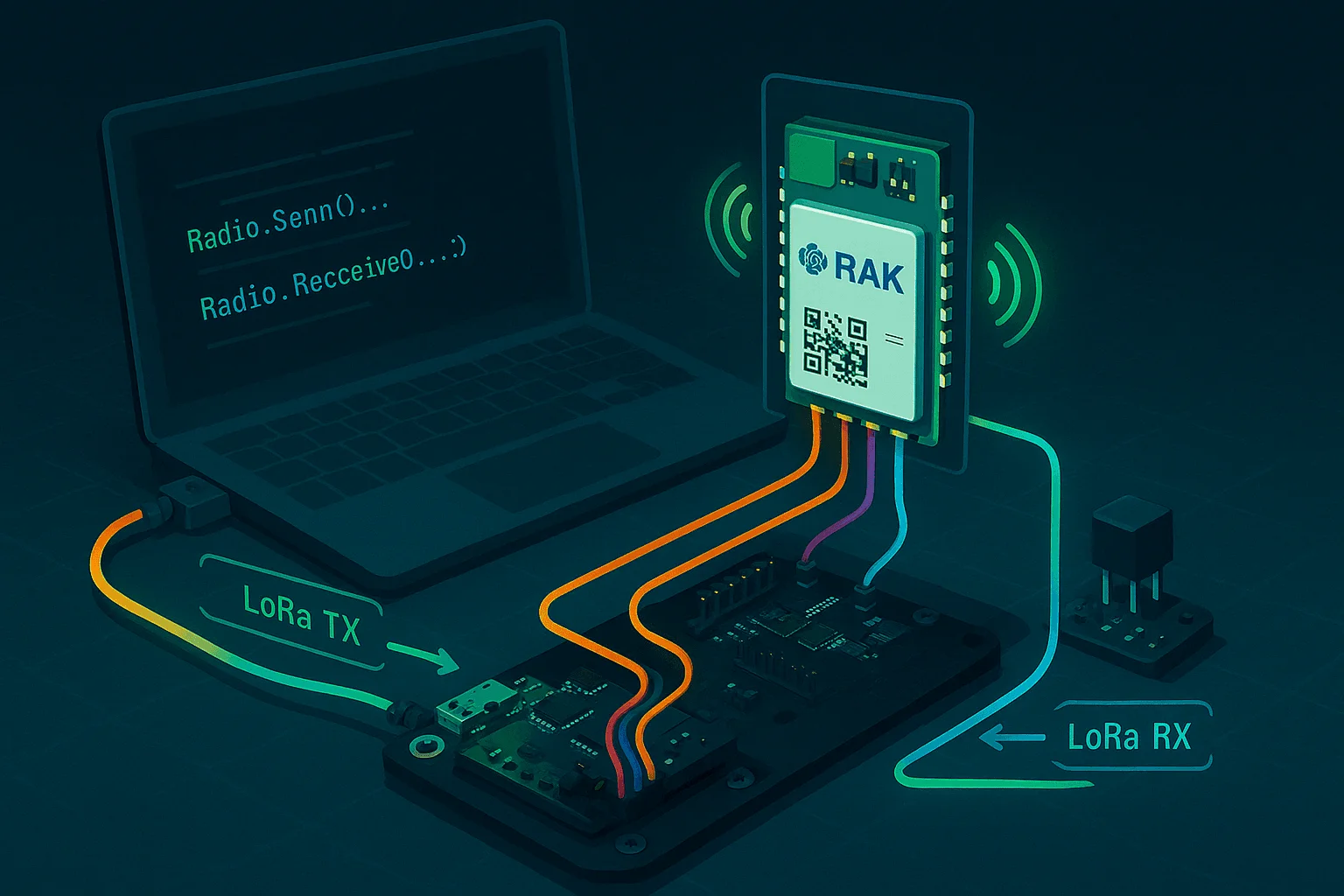
LoRa without LoRaWAN
Exploring the use of LoRa technology for direct P2P communication, bypassing the LoRaWAN network.
LoRa (Long Range) technology is often paired with LoRaWAN, but LoRa itself is simply a radio modulation technique. LoRaWAN adds network management, security layers, and other protocol overhead. For many embedded applications, especially those requiring minimal latency, low power, and straightforward point-to-point (P2P) communication, direct LoRa programming is preferable.
This guide explores programming the RAK3172 module directly, bypassing LoRaWAN completely.
Overview: Direct LoRa Programming
Direct LoRa programming allows developers to:
- Send and receive raw LoRa packets.
- Precisely manage radio states and transitions.
- Achieve deterministic timing and low latency.
- Minimize firmware complexity and reduce power consumption.
RAK3172 Module
The RAK3172 integrates an STM32WLE5 microcontroller with an SX1262 radio chip, providing a compact and highly capable platform for custom LoRa solutions.
Preamble
The preamble is a sequence of symbols sent at the beginning of every LoRa packet. It allows the receiver to detect the presence of a signal and synchronize to the incoming data stream.
- Typical value: 8–12 symbols (but can be longer for low-power wakeup scenarios)
- Configuration example:
// Set the preamble length to 8 symbols
SX126xSetPreambleLength(&SX126x, 8);Setting the preamble length controls how many up-chirp symbols are sent at the start of each LoRa packet. Each up-chirp is a full symbol, and the total number defines how long the receiver has to detect and synchronize to the signal before actual data is sent. More up-chirps = longer preamble = easier synchronization (but longer airtime).
What does the LoRa preamble look like?
The preamble in a LoRa packet is a series of identical up-chirps, which help the receiver synchronize to the incoming signal.
UP-CHIRPS
Note: The LoRa preamble is a series of identical up-chirp symbols, not a bit or byte pattern.
What is an Up-Chirp in LoRa?
In LoRa, an up-chirp is a frequency sweep from the lowest to the highest frequency in the channel. Digitally, for SF7 (spreading factor 7), the baseband up-chirp can be represented as an array of 128 complex samples, each with a specific phase increment:
// Pseudo-representation for SF7 (128 samples)
for (int i = 0; i < 128; i++) {
    // upchirp[i] = complex value based on exp(j * 2 * PI * (i*i) / 256)
    upchirp[i] = calculate_complex_sample(i);
}
This is not a simple binary or hex constant, but a mathematical sequence. The receiver looks for this "chirp" pattern to synchronize.
Erasing Default Firmware
Before loading custom firmware, erase the default AT-command-based firmware to free up memory and remove unnecessary functionalities.
Firmware Development with STM32CubeMX
Use STM32CubeMX to configure the firmware:
- Disable unused peripherals to conserve resources.
- Enable only the required interfaces, typically:
- UART for command-line interactions and debugging.
- GPIO for sensor interfacing and control signals.
- RTC for scheduled wake-ups and precise timing.
- Activate the SX1262 radio driver for direct radio control.
A detailed setup guide is available on STM32World's RAK3172 page.
Direct LoRa Radio Usage
Direct control of the SX1262 radio enables straightforward, clear, and efficient communication:
// Set radio transmission parameters
Radio.SetTxConfig(MODEM_LORA, power, bandwidth, datarate, codingRate,
                  preambleLength, fixLen, crcOn, freqHopOn, hopPeriod,
                  iqInverted, timeout);

// Send data buffer via LoRa
Radio.Send(buffer, length);