Custom protocol bruh?
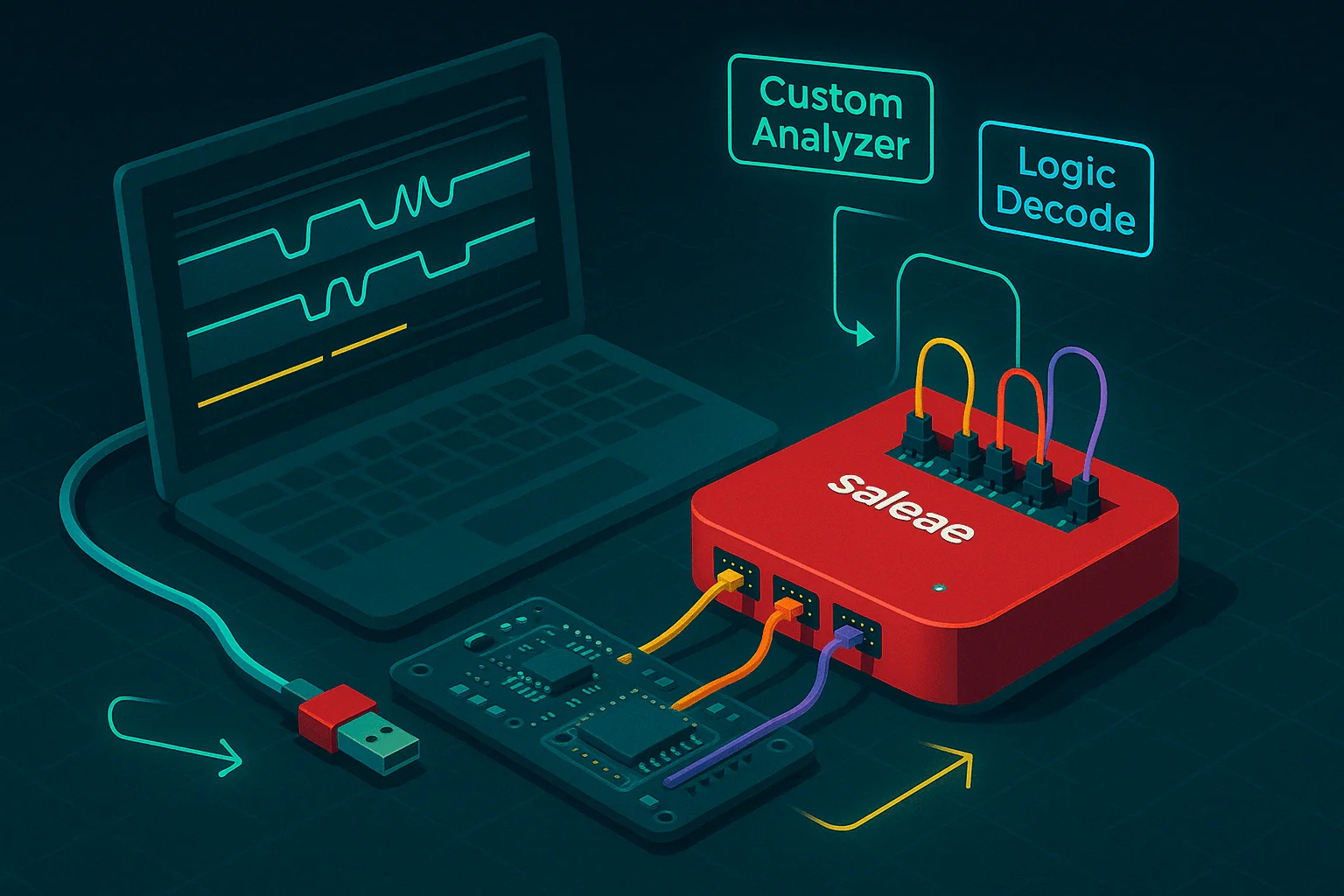
Creating a custom protocol decoder for the Saleae logic analyzer.
Saleae protocol analyzers (custom protocol decoders) must be written in C++. Currently, Saleae Logic only supports native analyzers written in C++ as DLLs—there is no official Python or JavaScript API for custom analyzers. In this post, we’ll walk through setting up Visual Studio Code on Windows for developing these DLLs, building a bare-bones C++ decoder for a simple custom protocol, and testing/integration in Saleae Logic.
Overview: Custom Protocol Decoder for Saleae
The goal of this project is to create a simple protocol decoder DLL in C++ that:
- Parses a custom protocol frame.
- Checks for a start byte, a length byte, a payload, and a checksum.
- Integrates with the Saleae logic analyzer via the Saleae C++ SDK.
Setting up Visual Studio Code
To build the DLL on Windows:
- Install Visual Studio Code:Download and install VS Code for Windows.
- Install Extensions:Add the official C/C++ extension and optionally the CMake Tools extension if you use CMake.
- Install Build Tools:Make sure you have the Visual Studio Build Tools installed with the MSVC compiler and Windows SDK.
- Workspace Setup:Create a project folder, open it in VS Code, and configure your build system (using CMake or an MSVC project) to build a DLL.
Conclusion
Using Visual Studio Code to develop a custom protocol decoder DLL for Saleae's logic analyzer streamlines the development and debugging process. This guide provided an overview of setting up your environment, a basic implementation of a custom protocol decoder, and steps for integrating and testing the DLL with Saleae’s software.
Happy coding!